Org switch
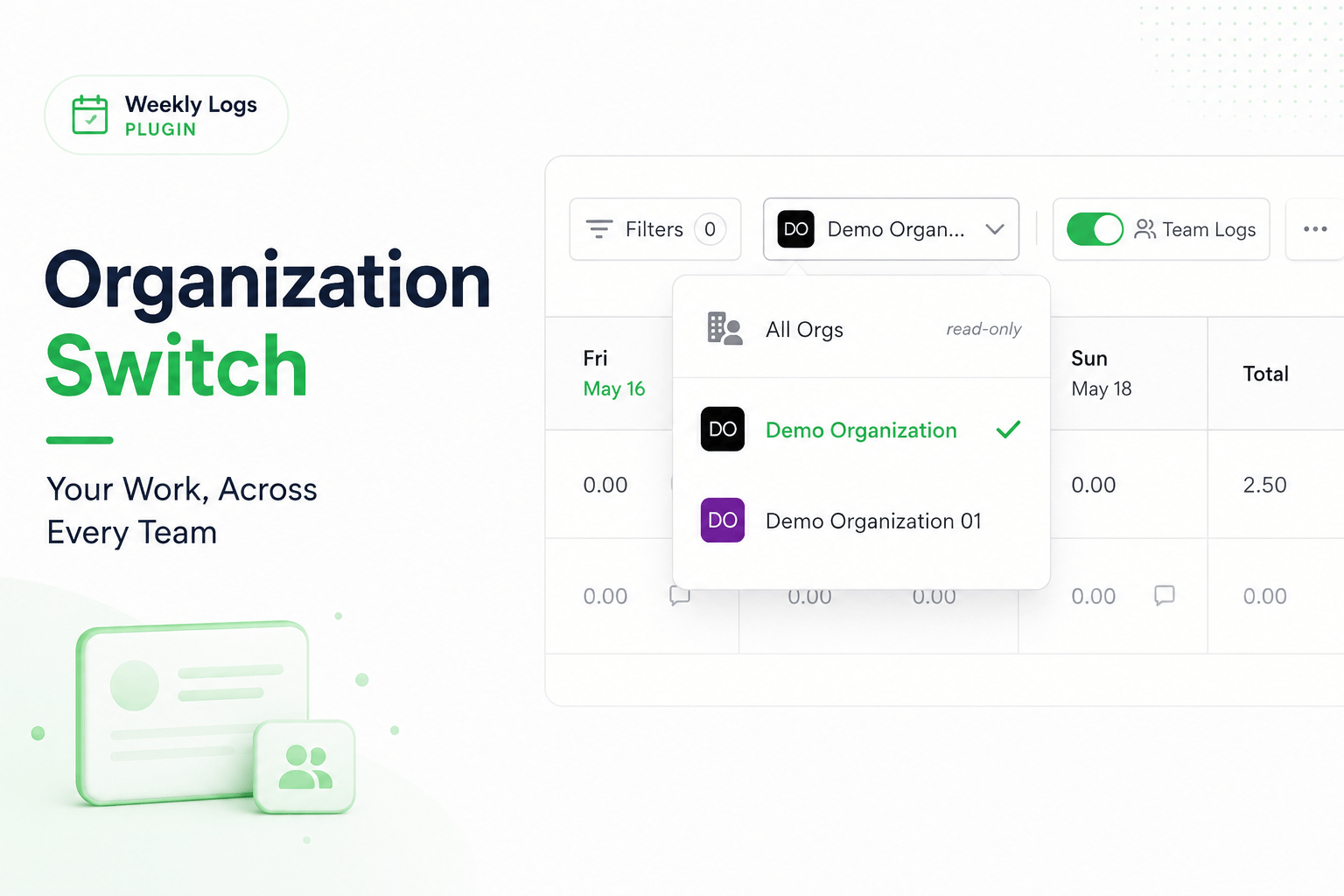
When you belong to more than one organization, time tracking can get complicated. Work is split across different teams and projects, but your day still has the same hours. Logging time in one org without losing track of what you have logged elsewhere is easy to get wrong — and by end of week, making sure hours add up correctly across all organizations becomes a manual exercise.
Weekly Logs addresses this with the org switcher and the All Orgs view.
Switch organizations
The org selector sits on the right side of the toolbar and shows your currently active organization.
- Click the org selector to open the dropdown.
- All organizations you are a member of are listed.
- Click a different organization to switch.
Switching is instant. The grid reloads with that organization's tasks, items, team, custom fields, and folder structure.
Any unsaved changes in the current organization are saved automatically before the switch completes.
All Orgs view
At the top of the org dropdown there is an All Orgs option, marked as read-only.
- Select All Orgs.
- The grid loads a combined view of your time entries across every organization you belong to.
- Tasks are grouped by organization name — giving you one picture of your entire week across every team you are part of.
Use All Orgs to verify your hours are balanced and nothing has been missed before the end of the week.