Weekly Logs
Search
Add tasks to your timesheet with keyword search or the advanced hierarchy browser.
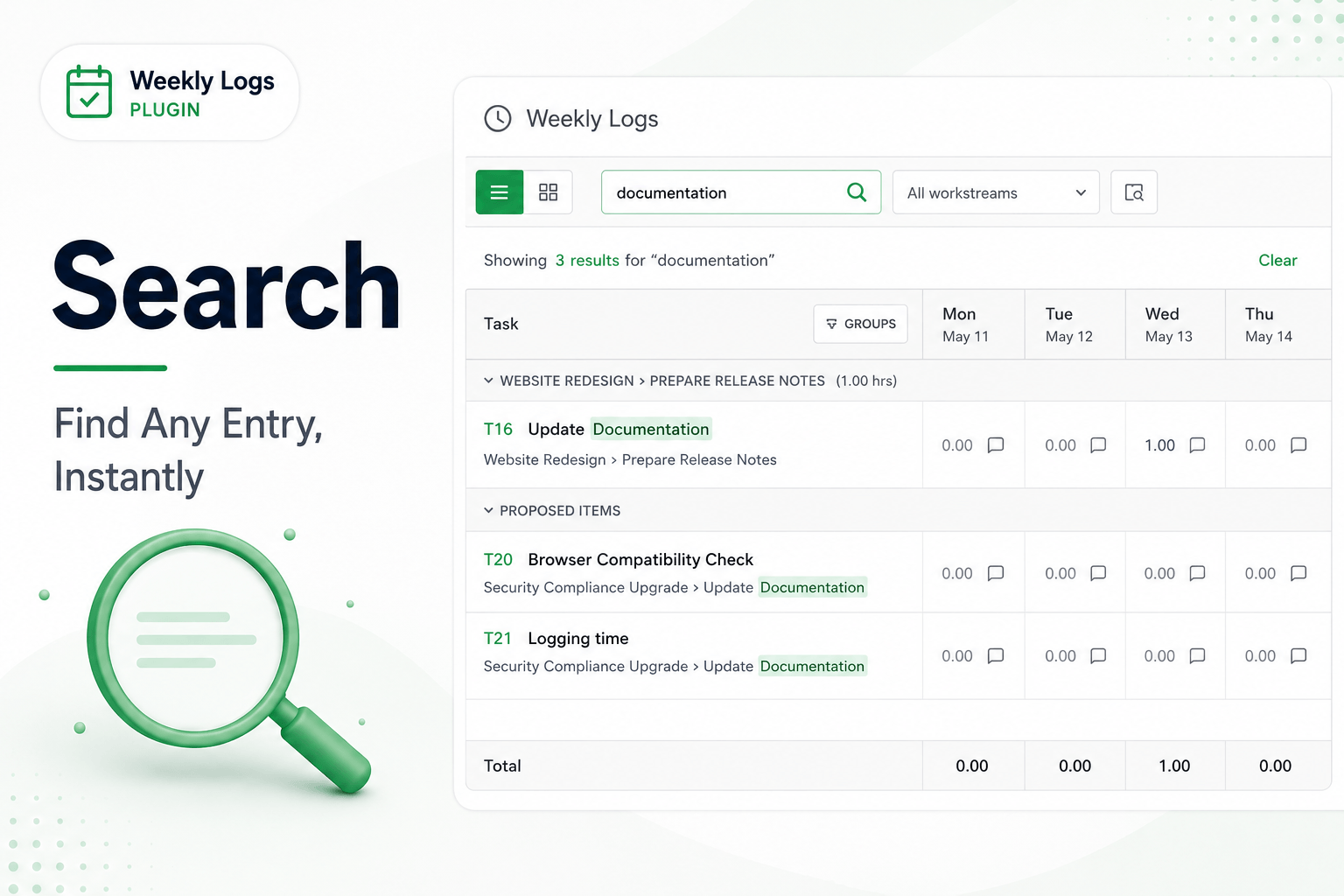
Weekly Logs gives you two ways to add tasks to your timesheet: a quick keyword search for when you know what you are looking for, and an advanced hierarchy browser for when you need to explore.
Keyword Search
The search bar sits in the toolbar.
- Click the search bar and type at least two characters — a ticket number, a title, or a keyword.
- Results appear immediately as you type.
- Items already in your timesheet are marked so you do not add duplicates.
- Click a result to add it to the grid, ready for a time entry.
Narrow By Workstream
Before searching, you can narrow the scope using the workstream filter next to the search bar.
- Click the workstream filter next to the search bar.
- Select a workstream from the hierarchy.
- Search results are now limited to items within that folder.
- Clear the workstream filter to search across all workstreams again.
Advanced Search
For times when you need to browse rather than search, use the Advanced Search button — the folder icon next to the search bar. This opens the hierarchy browser.
- On the left, your full item hierarchy is shown — workstreams and work items nested within them.
- Navigate into a folder using the breadcrumb at the top.
- Check the items you want to add to your timesheet.
- Click Add Selected. All selected items are added to the grid at once.
Multiple Items At Once
Advanced Search is the most efficient way to add several tasks in one action. Use keyword search when you need a single specific item quickly.
For work that is already suggested for you without searching, see Proposed Items.