Overview
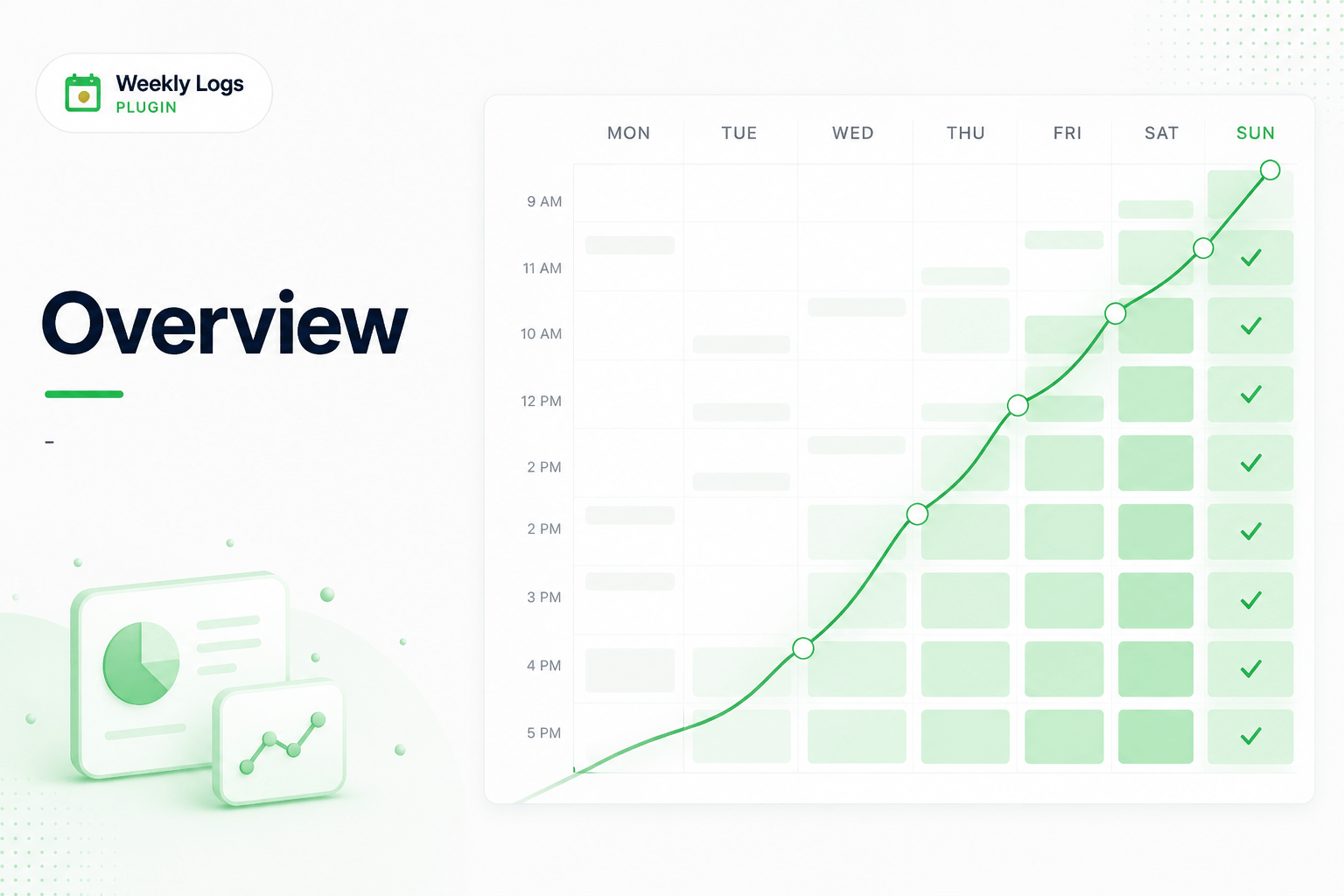
Weekly Logs is a time tracking plugin built directly inside DevStride. Because it lives where the work already lives, there is no context switch — your tickets are already there, your week is already laid out, and logging time is a matter of finding the task and entering the hours.
The plugin is built around a weekly grid. Work assigned to you surfaces automatically. Entries save as you go. And every hour stays attached to the exact task it came from — not a free-text description, not a spreadsheet row, but the actual item your team is tracking.
Why Weekly Logs Exists
Time tracking often fails not because people refuse to do it, but because it is always something to do later. Work happens in tickets, tasks, and pull requests — but hours get logged elsewhere, days afterward, from memory. By Friday, the effort is real but the record is a guess.
That gap costs teams. Billing becomes harder to defend. Reporting becomes harder to trust. And managers spend time chasing updates instead of reading them.
Weekly Logs is built to close that gap — by putting time tracking in the same place the work is already being done.
How It Works
Each week is represented as a simple grid. Rows are tasks. Columns are days — Monday through Sunday. You click a cell, enter hours, and move on. The entry is saved automatically.
Tasks are not typed in from scratch. They are pulled directly from your DevStride workstream — the same items your team is already tracking. Work assigned to you appears in the Proposed Items section, ready to log without any searching.
Every entry is linked to the exact task it belongs to, making reporting accurate and billing defensible.
Open Weekly Logs
- Open the Plugins section from the left menu in DevStride.
- Choose Weekly Logs.
The plugin loads inside DevStride using the same authentication. Your user, organization, and assigned work are loaded automatically — no separate sign-in required.
- If the plugin does not load or behaves unexpectedly, refresh the page.
- If the session has expired, sign out of DevStride and sign back in.
What You Can Do
- Log time against tasks in a weekly grid with auto save functionality.
- Switch views between List view (flat list) and a Grouped view by workstream.
- Navigate weeks using arrow controls or the date picker
- Search and add tasks using keyword search or the hierarchy browser
- Use Proposed Items to quickly add work already assigned to you
- Add notes to individual time entries for context
- Filter the grid by items, workstream, or team
- Team Logs — view and manage the entire team's entries (admin only)
- Export to CSV for reporting, billing, or external tools
- Switch organizations if you belong to more than one
Who Can Use It
Weekly Logs is available to all members of an organization. All users can log their own time.
Team Logs — the multi-user view for managing team entries — is available to admins. Non-admin members can view Team Logs in read-only mode.