Weekly Logs
Organization Switch
Switch Weekly Logs between the organizations you belong to, and use the read-only All Orgs view to check your whole week.
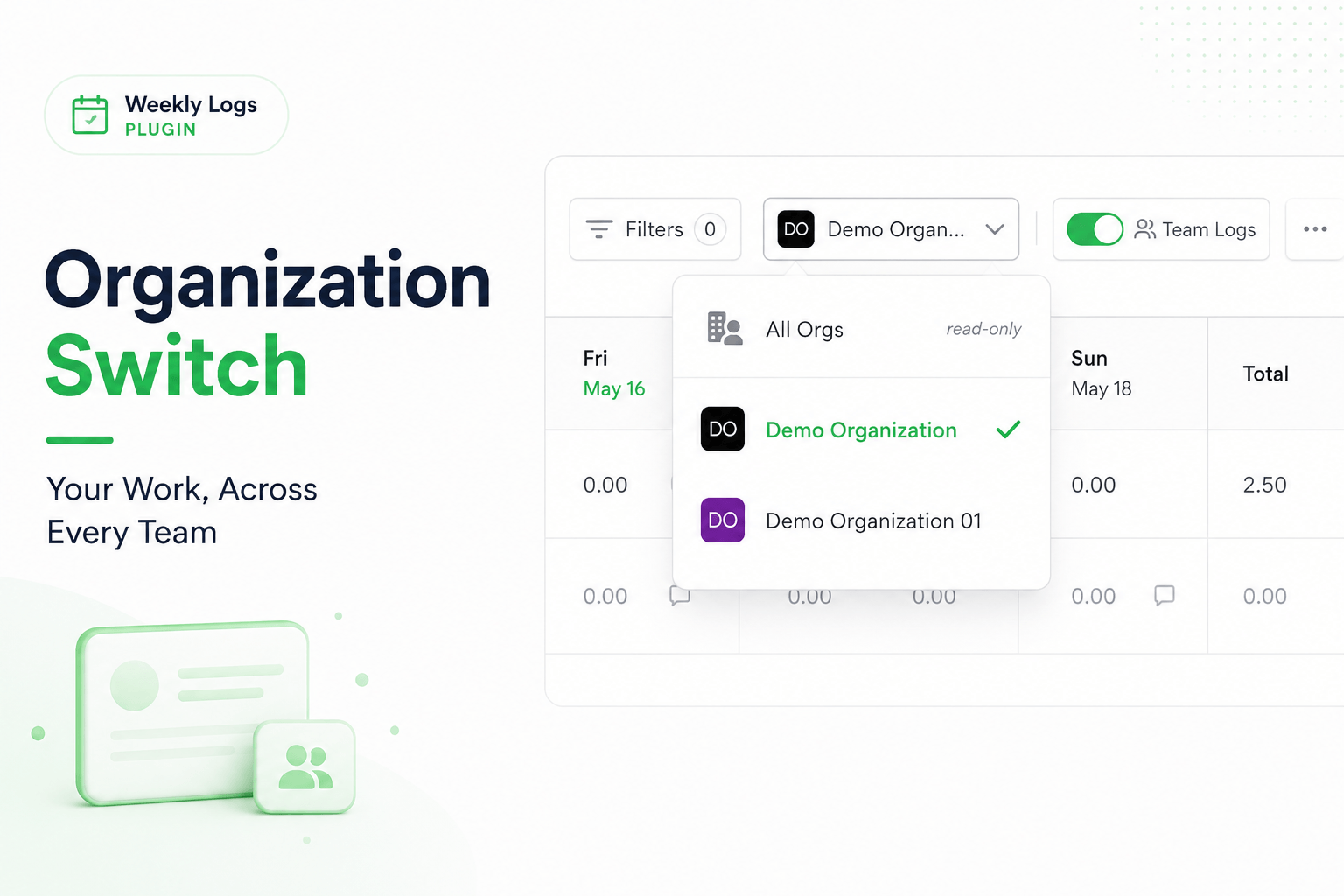
If you work in more than one DevStride organization, each has its own timesheet. The org selector on the right of the toolbar lets you switch between them, and All Orgs shows your week across all of them so you can check the hours add up. The selector appears only when you belong to more than one organization.
Switch organization
- Click the org selector; it shows the organization you are in.
- Choose another organization.
The grid reloads with that organization's tasks, teams, custom fields, and workstreams. Unsaved changes are saved before the switch.
Check your week across organizations
- Choose All Orgs at the top of the dropdown.
- The grid shows your entries from every organization, grouped by organization name.
All Orgs is read-only
You cannot edit or export in All Orgs. Switch to a specific organization to do either.