Weekly Logs
Search
Add tasks to your timesheet with keyword search, narrow it by workstream, or browse the hierarchy to add several at once.
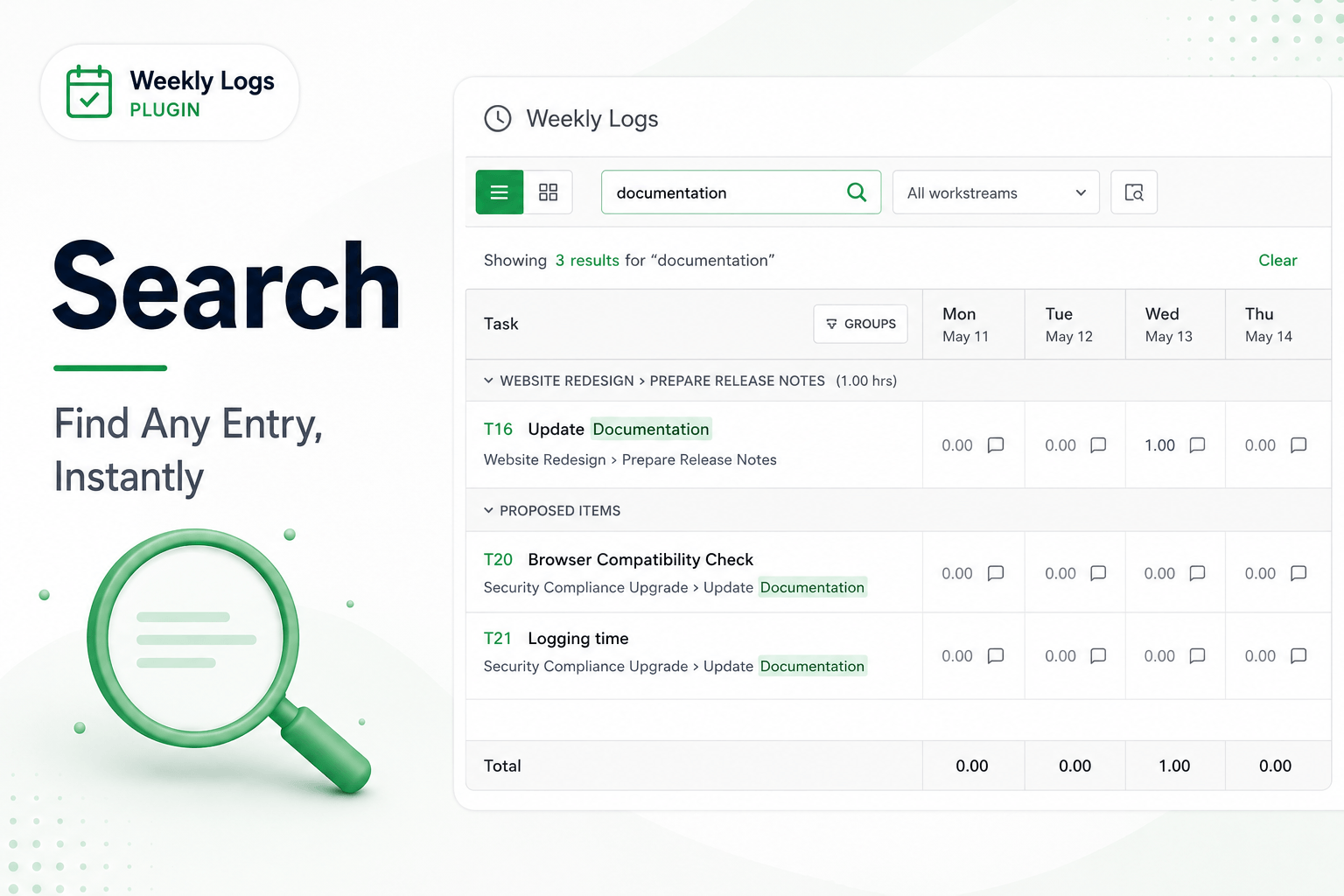
Use search when the task you need is not among your Proposed Items. Keyword search is quickest for one item; the hierarchy browser is best for adding several.
Keyword search
- Click the search bar in the toolbar and type at least two characters — an item number, a title, or a keyword.
- Results appear as you type. Items already in your timesheet are marked so you do not add duplicates.
- Click a result to add it to the grid.
Narrow by workstream
Click the workstream filter next to the search bar and pick a workstream from the hierarchy; results are limited to items inside it. Clear the filter to search everywhere again.
Advanced search (browse the hierarchy)
- Click the folder icon next to the search bar.
- Browse your workstreams and the items inside them, using the breadcrumb at the top to move around.
- Tick every item you want.
- Click Add Selected. All of them join the grid at once.