The Suspended Queue
Not every email that reaches your support address should become a ticket. Auto-replies, spam, and messages that fail their sender checks would clutter your Inbox — or worse, create noise your team has to clean up. DevStride holds these back in the Suspended queue so a person can decide what to do with them.
What lands here
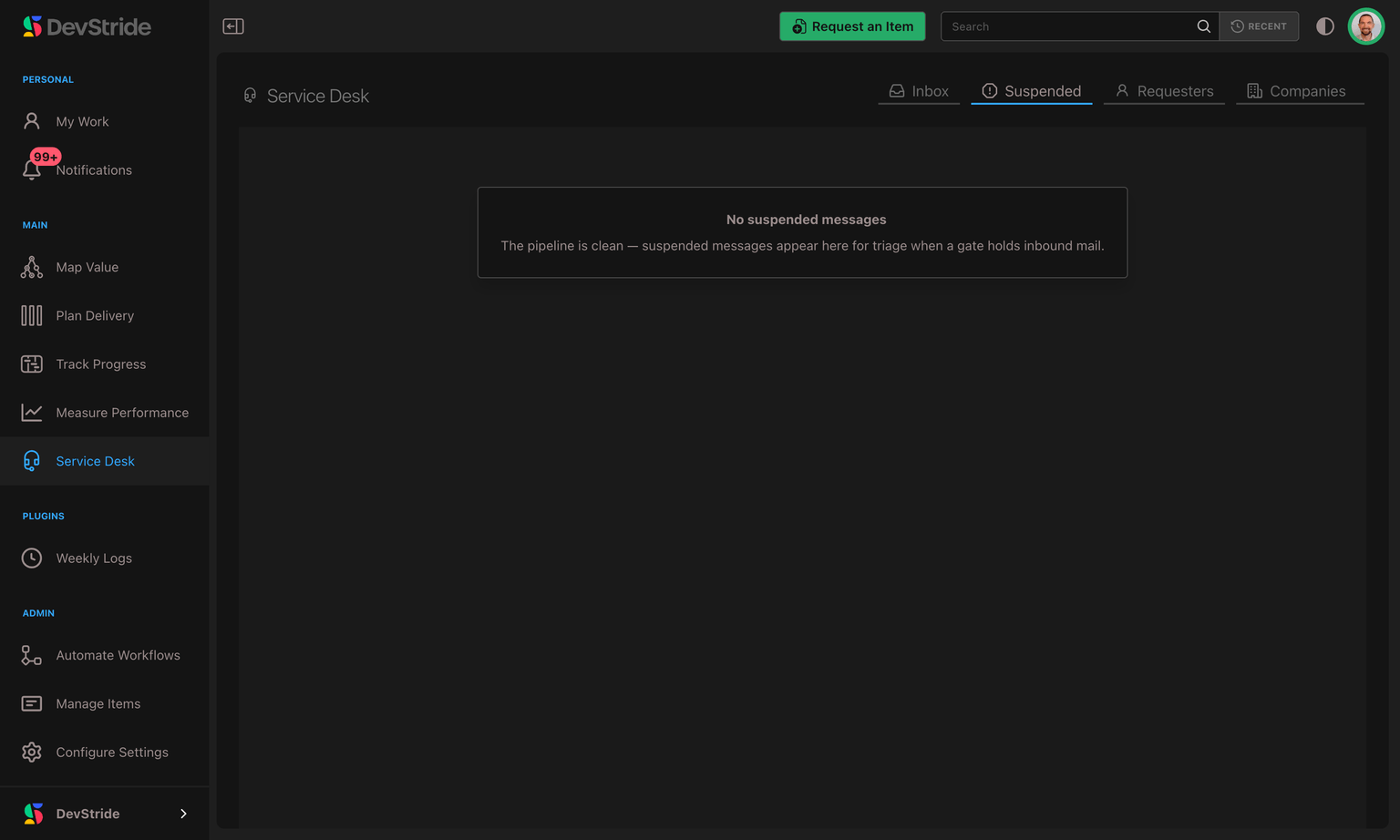
Open Service Desk → Suspended for a table of held messages, showing From, Subject, Reason, and Received. The Reason explains why each message was held:
| Reason | What it means |
|---|---|
| Auto-response | The message looks like an automatic reply, such as an out-of-office message or a recognized delivery-failure notice from a mail server. These messages are held instead of opening tickets. |
| Rate limited | The sender sent an unusually high volume in a short time. |
| Spam | The message was flagged as likely spam. |
| SPF failed / DKIM failed / DMARC failed | The message failed an email authenticity check, meaning the sender's identity couldn't be verified. |
| Blocked sender | The message came from a requester you've blocked. |
Reviewing what's held
Click a held message to open it. You'll see who sent it, its subject, why it was held, and a text preview of up to 280 characters. This preview is not the full original email.
Automations that run when a message is held also apply to recognized delivery-failure notices. If you use those automations to alert staff, expect them to include these notices too.
Three actions are available:
- Recover — turn a message that was held by mistake into a ticket. DevStride rebuilds it from the customer's original email and checks it again, skipping only the check that held it, so a message that also carries a virus, for example, stays held. If it opens a new ticket, the customer receives the usual "we have received your request" email. Recovering doesn't add the sender to any allow-list: their next email is checked exactly as before.
- Mark spam — record it as spam and clear it from the queue.
- Delete — discard it.
View original appears in the dialog but is not available yet.
The Dropped mail tab
Every email that reaches one of your support addresses is recorded, and DevStride keeps track of what happened to it: it became a ticket, it was held for review, or it was turned away. Service Desk → Dropped mail lists the ones that did not become a ticket, newest first, 100 at a time — click Load more at the bottom for older ones. Like the Suspended tab, it requires the Manage Requesters permission.
Each row shows:
- To — which of your support addresses the email was sent to.
- What happened — Turned away, Held for review (it's also in the Suspended queue), or Failing, being retried when DevStride hit an error it keeps retrying.
- Reason — why, for example a virus, spam, a blocked sender, or a duplicate. Truncated appears beside the reason when the email was longer than DevStride can store.
- Received — when the email arrived.
- Original kept until — how long the original message is kept (395 days after it arrived). It reads Deleted when the sender had asked to be erased, because their original is deleted straight away.
The list deliberately never shows who sent the email or its subject. It answers "did this email reach us, and what happened to it?" without putting a customer's details on another screen. To look up a particular customer's message, search your tickets or the Suspended queue.
Request Forms
Collect structured support requests through a form, in addition to email — with the fields you need, filed where you want.
Finding & Filtering Tickets
Because tickets are work items, you can find and report on support work anywhere in DevStride — filter by requester, company, channel, customer importance, or SLA state, add triage columns, and save the views you return to.