Requesters & Companies
When someone emails your support address, DevStride records them as a requester — the person on the other side of the conversation. Requesters are usually customers, and they can be grouped into companies, the customer organizations they belong to. Both are managed from the Service Desk module.
Being a requester is an identity on a ticket, not a role in your organization. A requester holds no role and can't sign in to your workspace — only to your customer support portal — and never consumes a paid seat, no matter how many tickets they raise.
Most requesters are people outside your organization, but not all of them. If someone on your own team emails your support address, they become the requester on that ticket. That changes nothing about their membership or your bill: they keep the seat they already had, and being a requester adds nothing to it.
Requesters
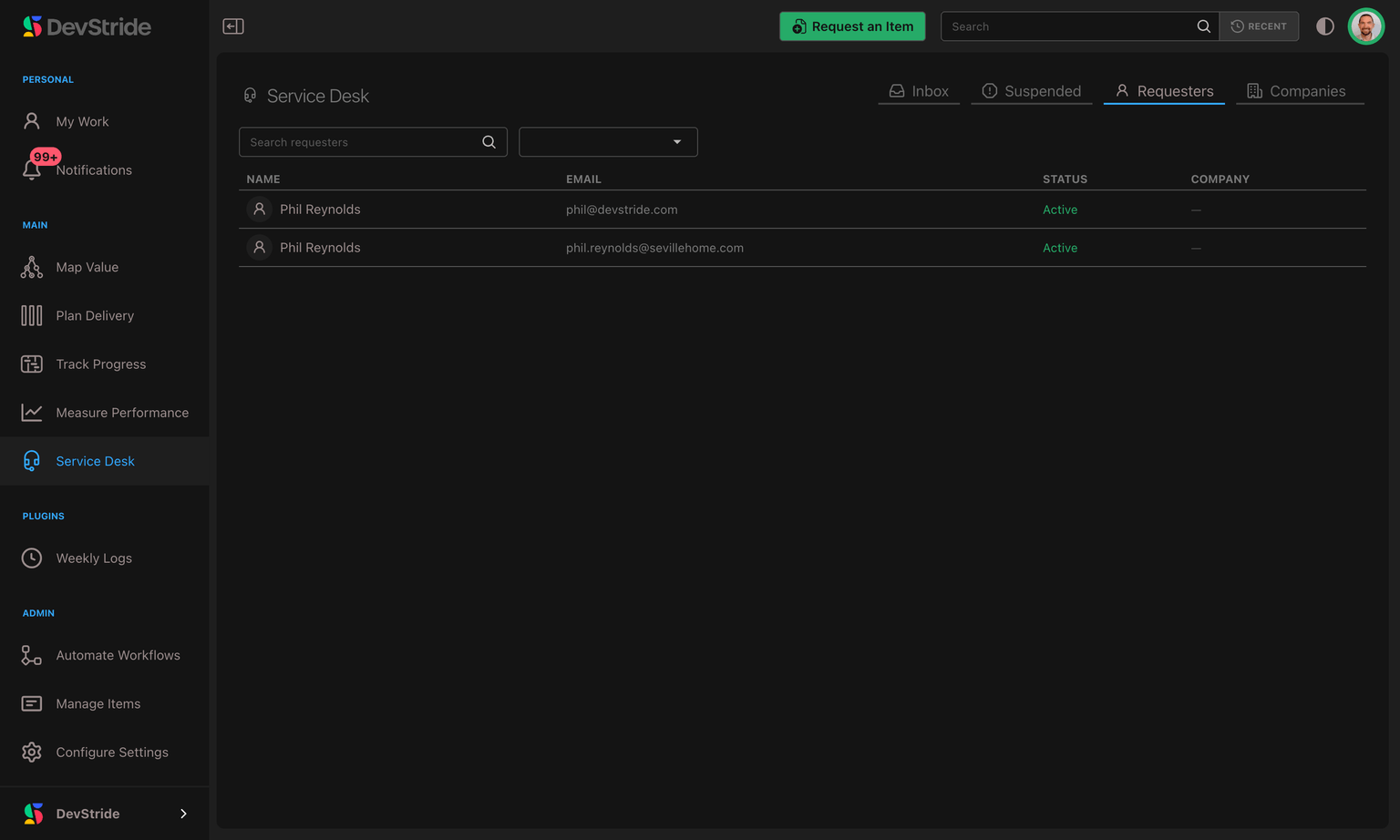
Open Service Desk → Requesters for a directory of everyone who has contacted your team. The table shows Name, Email, Status, and Company. When a requester belongs to more than one company, the column shows their main company followed by +N; hover over it to see the others.
A requester is created automatically the first time someone new emails in; you rarely add one by hand. Click a row to open the requester's detail, where you can edit their name, see their recent requests, set their status, and manage the companies they belong to.
Where requesters come from
Almost every requester is created for you:
- Someone emails your support address. They become the requester on the new ticket. That includes your own team — an email from a colleague opens a ticket in the Inbox exactly as a customer's does, with the colleague as its requester and the same acknowledgement sent back.
- A colleague forwards a customer's email in. When the forward is clear enough to trust, the ticket is credited to the original customer rather than to the colleague, so it's the customer who appears here. See when someone on your team emails or forwards a message in.
- You convert an existing work item into a ticket and pick the requester yourself. See Working a Ticket.
A requester in more than one company
One person can be a contact for several of your customers. A consultant or an agency, for example, may raise tickets for each client they work with. A requester has one main company and can belong to any number of other companies.
In the requester's detail, the Companies list shows every company they belong to, with the main one marked Main:
- Add company links them to more companies. They can then sign in to each of those companies' support portals and see that company's tickets there.
- The × next to a company removes it from the list, after you confirm. Their access to that company's portal ends on their next page load.
- To remove the main company while they still belong to others, you pick which remaining company becomes their new main one. Removing their only company leaves them with no company.
Adding or removing a company needs the Manage Requesters permission.
The ticket drawer lists all of a requester's companies alongside the ticket.
Which company a ticket belongs to
Every ticket records the customer company it was raised for, and keeps it. Moving a requester to a different company, merging them into another requester, or erasing them doesn't change the company of tickets they have already raised, so those tickets stay in the right company's lists, filters, reports and portal.
For a new ticket:
- By email: when the sender belongs to the company whose email domain they wrote from, the ticket belongs to that company. Otherwise it belongs to their main company.
- Through a portal form: the ticket belongs to the company whose portal the form was sent from, as long as the requester belongs to it.
- A follow-up to a closed ticket keeps the original ticket's company.
If a requester had no company when they raised a ticket, the first company they're linked to fills it in. A ticket that already has a company keeps it, unless staff change the ticket's requester: then the ticket moves to the new requester's company.
Status: Active vs. Blocked
- Active — the normal state; their email creates and continues tickets.
- Blocked — use this for an abusive or spammy sender. Mail from a blocked requester is held out of your Inbox.
Merging duplicate requesters
The same person sometimes writes from two addresses (a work and a personal account, say), creating two requesters. Open a requester and choose Merge to fold one into the other. Their tickets and history combine under a single requester, so you see one continuous relationship instead of two fragments. The surviving requester also takes on the other one's companies, so they keep access to every portal either record could reach. One case is refused: if either requester's email address belongs to someone in your own organization, DevStride won't merge them. See When an address belongs to your own team.
Erasing a requester (privacy requests)
When a customer invokes their right to be forgotten, open the requester and choose Anonymize. This permanently scrubs their personal details — name, email, phone, and the like — from DevStride, and reaches everywhere else those details were kept: the original content of the emails they sent (held in storage behind each ticket), any attachment files from their emails that never made it onto a ticket, their personal information inside notifications and activity history, and their portal sign-in. If they had access to your support portal, that access is revoked on the spot.
The tickets your team worked are kept but de-identified, so your history and reporting stay intact — you satisfy the erasure request without deleting the work. And the erasure holds: if the same person emails in again later, DevStride won't quietly re-create or re-identify the requester you anonymized. Anonymizing is refused in one case too: when the requester's email address belongs to someone in your own organization. See When an address belongs to your own team.
When an address belongs to your own team
If a requester's email address is also the address of a member of your organization, DevStride refuses to merge or anonymize that requester and tells you so, rather than doing it.
The reason is that the address isn't only theirs. A team member's address turns up across other people's tickets — as the sender of replies, on messages they forwarded in, throughout activity history — so scrubbing it or folding it into another record would quietly rewrite conversations that have nothing to do with this request.
Removing the person from your organization lifts the refusal — but it does not make the erasure safe. The check looks at current membership, so once they are no longer an active member it stops applying. Nothing else has changed: the records that share their address are still there, and the erasure still works by address, so running it afterwards rewrites replies, notifications and stored mail on other people's tickets — permanently. Don't use it as a way through. If you have a genuine privacy request covering a current or former team member's address, contact support and we'll work through it with you, which is what the message on screen tells you to do.
Companies
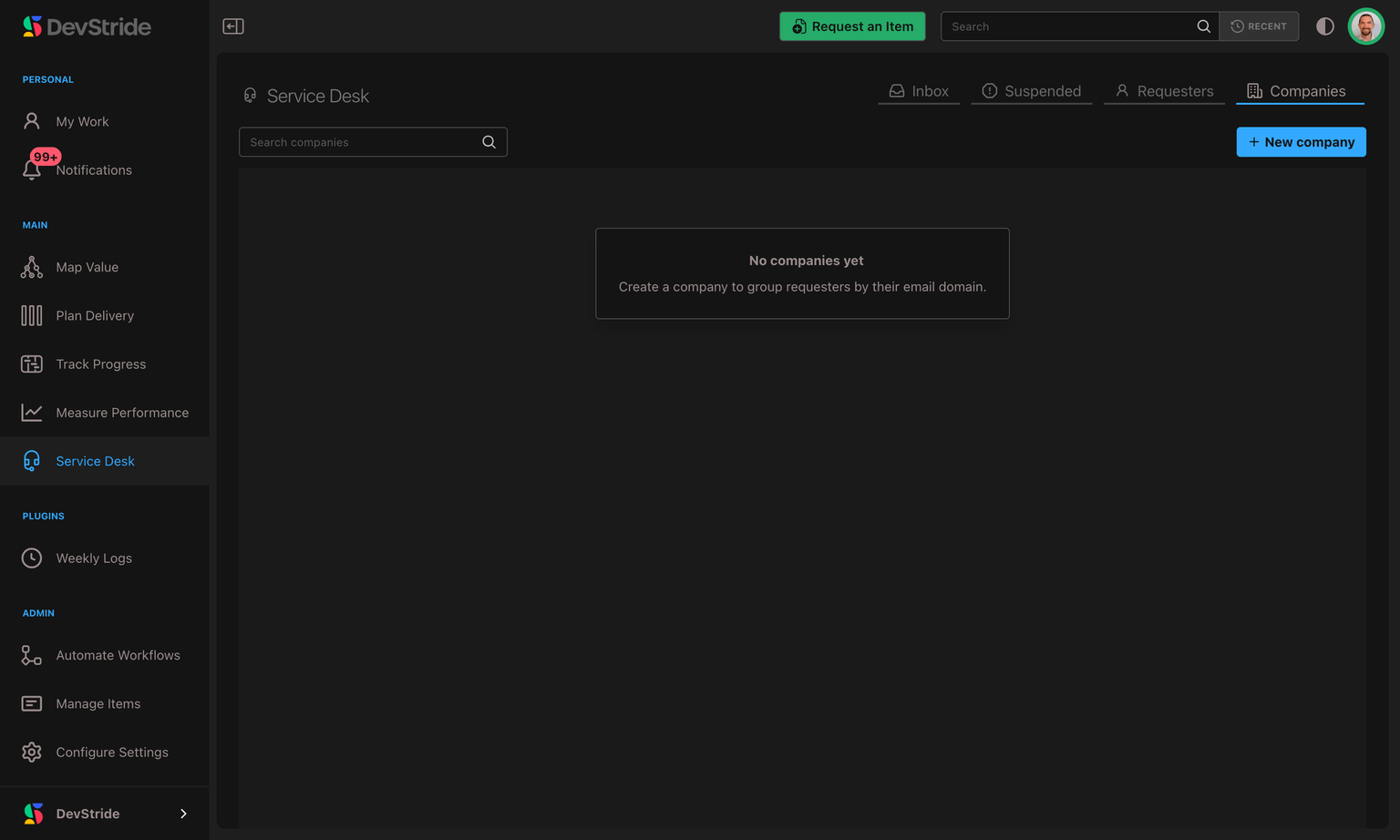
Open Service Desk → Companies to manage the customer organizations your requesters belong to. A company groups all of a customer's people and lets you set defaults that apply to every request they send.
Auto-matching by email domain
Give a company one or more email domains (for example acme.com) and DevStride automatically links new requesters to it when their email matches. A requester who already has a main company keeps it: email alone never moves them to a different company, and never gives them access to another company's portal. New people from a known customer slot into the right company with no manual step. And when you create the company, or later add a domain to it, any existing requesters on that domain who don't have a company yet are linked to it right away, and their tickets without a company pick it up too — so adding a domain retroactively gathers the customers you've already been talking to, not just future ones. Editing a company never re-adds a requester you removed from it unless that edit adds a new domain matching their email.
When adding domains in the company dialog, pressing Enter or Tab — or simply clicking away from the field — commits the domain you're typing. Domains are stored lowercase, so capitalization never creates a duplicate.
Per-company defaults
A company can carry its own defaults that override the channel address for its requests:
- Default location — file this company's tickets under their own workstream or item, instead of the channel address's default. (See the override rules.)
- Default assignee and watchers — route this company's tickets to a specific owner and notify specific people, on top of (and taking precedence over) the channel address defaults.
These defaults are what make per-customer handling effortless: set them once on the company, and every future request from that customer is filed and routed your way automatically.
Portal settings
A company also carries its customer-portal configuration — the portal's web address (its Portal slug), who's allowed to sign in (the access mode: Open, Domain-restricted, or Invite only), branding (a logo you upload or link by URL, header text, and a primary color), and the default language customers see. Set these on the company record alongside its other defaults, and use the Preview portal link to open that company's portal in a new tab and see it exactly as its customers will.
For the full walkthrough — how the portal looks to your customers, how passwordless sign-in works, and what each access mode allows — see the Customer Support Portal page.
Email Channels & Setup
Create a support address, forward your inbox to it, and choose where new tickets land. Plus how replies are threaded, who a forwarded message belongs to, and exactly what happens when you remove a channel.
Customer Support Portal
A branded, passwordless self-service portal your customers reach at a per-company web address — how sign-in works, why it's safe, and how to brand and control access for each company.